One recording in.
Every format out.
Record your screen once. Get an interactive demo, a narrated video, social cuts, captions, a GIF, a thumbnail, a help article and launch posts — showing your real product, styled like your product.
No credit card. The free plan includes one complete fan-out.
Narrated demo video — Auto-zoom on each step, AI voiceover
Open the fileThe input: one unedited screen recording.
Everything above — the video, the clips, the captions, the article — came out of that one recording.
- 1
- screen recording in
- 8
- downloadable files on this page
- ≈4 min
- unattended, start to finish
- 0
- stock footage or AI-invented screens
Some buyers want to click.
Others want to watch.
Let them click through it themselves
A guided, clickable version of your real screens. Hotspots, tooltips and a lead form, on your own domain, with view analytics.
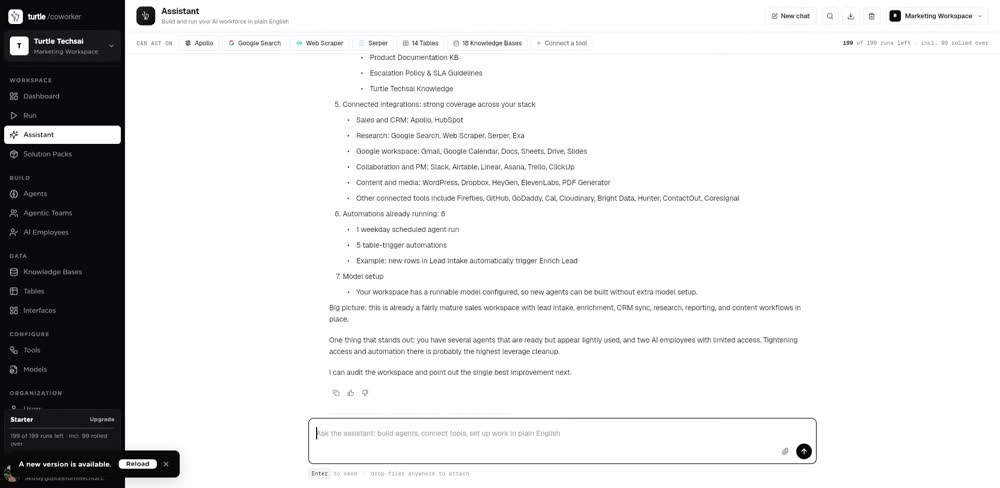
Ship the whole launch from one capture
A narrated walkthrough, an animated story video, 9:16 and 1:1 cuts, a highlight, captions, a GIF, a thumbnail, the help article and the launch posts.
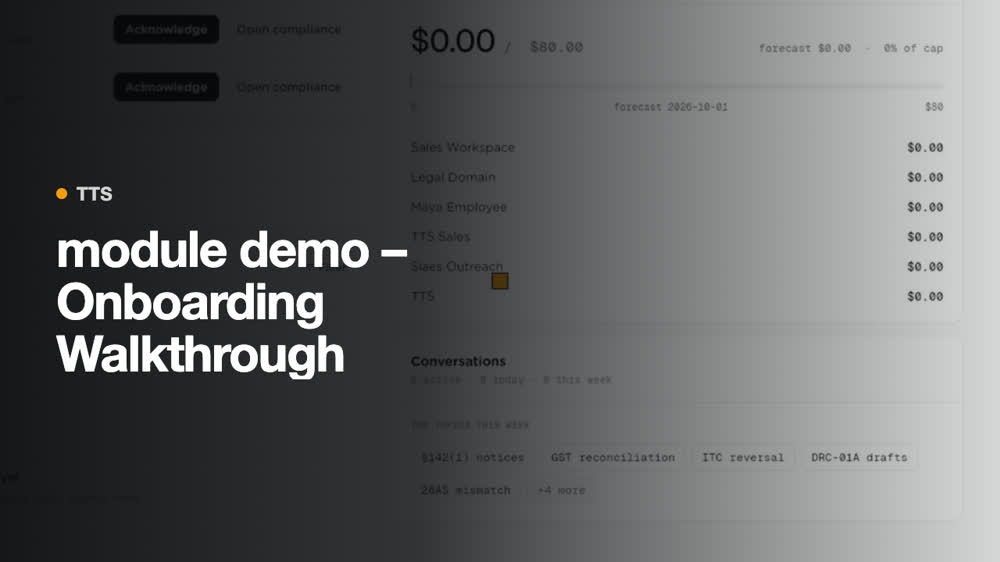
Your real UI. Never an AI hallucination of it.
Generative video is happy to invent buttons, menus and copy that don't exist in your product. TurtleScene never redraws your interface: every frame is your own recording or screenshot. AI writes, narrates and designs around it.
- Labels and menus that aren't in your app
- Flows no customer can follow
- Goes stale the moment anything ships
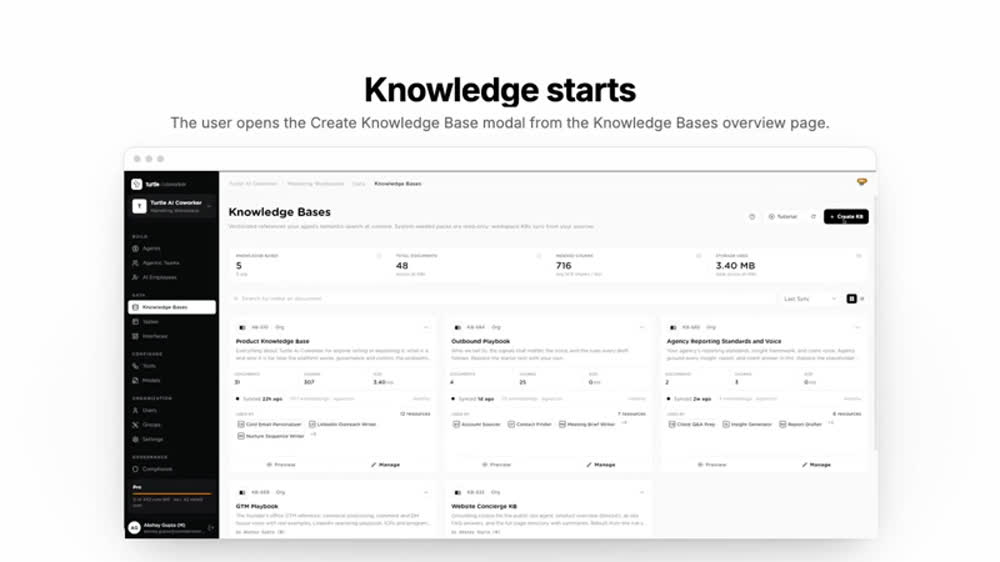
- Every pixel comes from your recording
- The narration describes what's on screen
- Whole screen always in frame, never cropped
Point it at any product.
These are unedited captures of four very different real applications — an observability stack, a smart-home dashboard, a CMS and a notebook IDE. No two look alike, and that is the point: TurtleScene starts from whatever is actually on screen.
Grafana
Dense dashboards, dark theme, dozens of panels. TurtleScene reads the panel titles and the time range, not a generic “analytics dashboard” it imagined.
Recorded from play.grafana.org, Grafana Labs' public sandbox. Grafana is AGPL-3.0.
It already looks like your product.
Before writing a single scene, TurtleScene reads your recording: the colours your UI actually uses, the typography, and your logo. Those become the video's design — no palette picking, no uploading a logo, no brand guidelines to fill in.
Taken from the recording
Four steps, mostly unattended.
- 01
Record, or drop files in
Capture your screen in the browser — no extension. Or upload screenshots, a PDF or a brief.
- 02
AI watches it
It identifies your product, each screen, the exact UI labels and the order things happen in — then writes from that.
- 03
Edit by talking
“Make the intro shorter.” “Say pricing instead of cost.” Change a line and only that line is re-voiced.
- 04
Ship every format
Interactive demo, narrated video, 9:16 and 1:1 cuts, GIF, captions, thumbnail, help article, launch posts.
No timeline. Just tell it what's wrong.
Every other tool hands you a timeline and keyframes. TurtleScene takes plain instructions, applies them to the right scene, and re-voices only what changed. Every edit has an undo.
- · Edit narration as text — one line re-synthesizes in about a second
- · Swap the voice or tone across the whole video
- · Fix how your product name is pronounced, once, everywhere
The assets you ship for one launch, from one capture.
A typical launch runs through a demo platform, a video editor, a voiceover tool, a clipper, a docs writer and somebody in design. Each one gets its own copy of the truth, and each goes stale separately.
- Interactive demo platformClick-through demos
- AI video editorPolish, zooms, captions
- AI voiceover toolNarration
- Social clipping tool9:16 and 1:1 cuts
- Docs writerHelp-centre articles
- Designer or agencyThumbnails, launch art
One recording, one editor, one place the story lives. Change the narration once and every format is rebuilt from it — same words, same brand, same screens.
One capture, different jobs.
Narrated launch video, social cuts, thumbnail, blog and LinkedIn posts — from the build you already recorded.
A 30-second highlight for the email, the full walkthrough for the deck, an interactive demo link that tracks views.
The same recording becomes a step-by-step article with screenshots, captions and a short how-to video.
Your product, your colours, your logo, narrated properly — in the time it takes to record the flow once.
Priced per recording. Not per credit.
One recording fans out into every format — that's the unit you pay for. No AI credits to convert, no export minutes to ration, and viewers are never charged as seats.
Free
See the whole fan-out once.
- 2 recordings per month
- Every format unlocked
- Chat editing and voice control
- TurtleScene badge on shared links
Starter
For one person shipping regularly.
- 40 recordings per month
- 1 creator, unlimited viewers
- No badge on shared links
- 1080p exports
- Brand kit and pronunciation dictionary
Studio
Most popularFor a team that ships every week.
- 120 recordings per month
- 3 creators, unlimited viewers
- Custom domain for shared demos
- 4K exports
- Lead capture and view analytics
Team
For a whole GTM org.
- 300 recordings per month
- 10 creators, unlimited viewers
- Shared workspace and roles
- Embeds and password-protected links
- Priority support
Need SSO, a security review or an invoice? Talk to us.
The things people actually ask.
Will it invent parts of my product that don't exist?+
No. Every frame you see is your own recording or screenshot. The AI writes the script, narrates it and designs the scenes around your footage — it never redraws your interface.
What do I need to record?+
One clean pass through the flow in your browser — no extension, no editing, mistakes and all. You can also skip recording and upload screenshots, a PDF or just a brief.
How long does a fan-out take?+
A 45-second recording becomes a narrated video in a couple of minutes, and the remaining formats take a few minutes more. It runs in the background, so you can close the tab.
Can I change the script after it's generated?+
Yes. Edit any line as text, or tell the AI editor what to change. Only the lines you touch are re-voiced, so a fix takes seconds rather than a full re-render.
What if my product looks nothing like the default template?+
It won't use a template. TurtleScene reads the colours, type and logo out of your own recording and builds the scenes in that style. You can override any of it.
What about sensitive data on screen?+
Record in a demo account where you can, and blur anything private in the editor before you publish. Shared files are served over expiring links.
Which languages are supported?+
English narration today, in thirteen voices with adjustable tone. Other languages are on the roadmap, not shipped — we'd rather say so than imply it works.
Where does my data live?+
In our own Azure account: a private Postgres database and private blob storage, with signed, expiring links for anything shared.
Record the flow once.
Ship it everywhere.
Your first fan-out is free — the demo, the video, the cuts, the captions, the article. See your own product come back polished in a few minutes.